HEIC to Transparent PNG Converter
Convert iPhone HEIC photos & remove backgrounds in 1 step
Don’t waste time converting Apple .HEIC files to JPEG first. Drop your iPhone or iPad photo directly into DropBG to decode the HEIC container, strip the background with AI, and download a universal 32-bit transparent PNG.
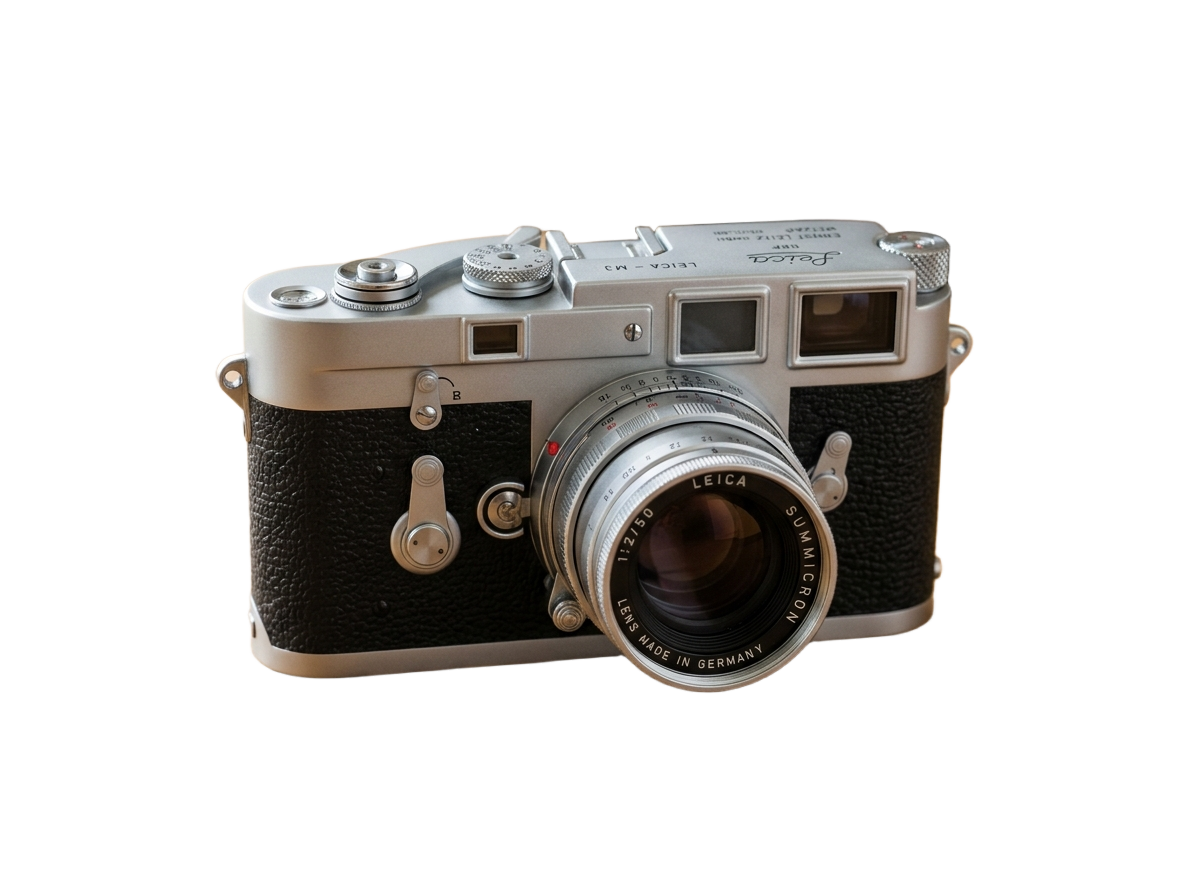
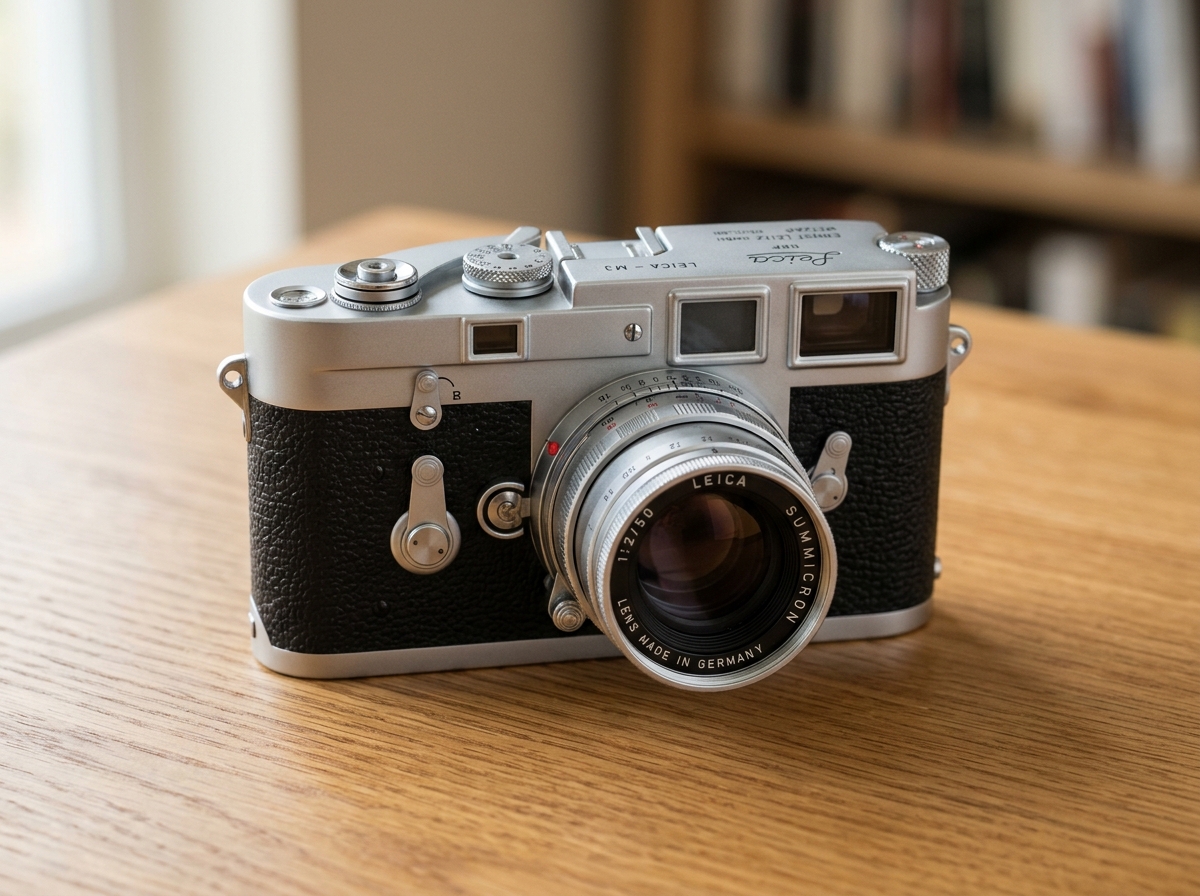
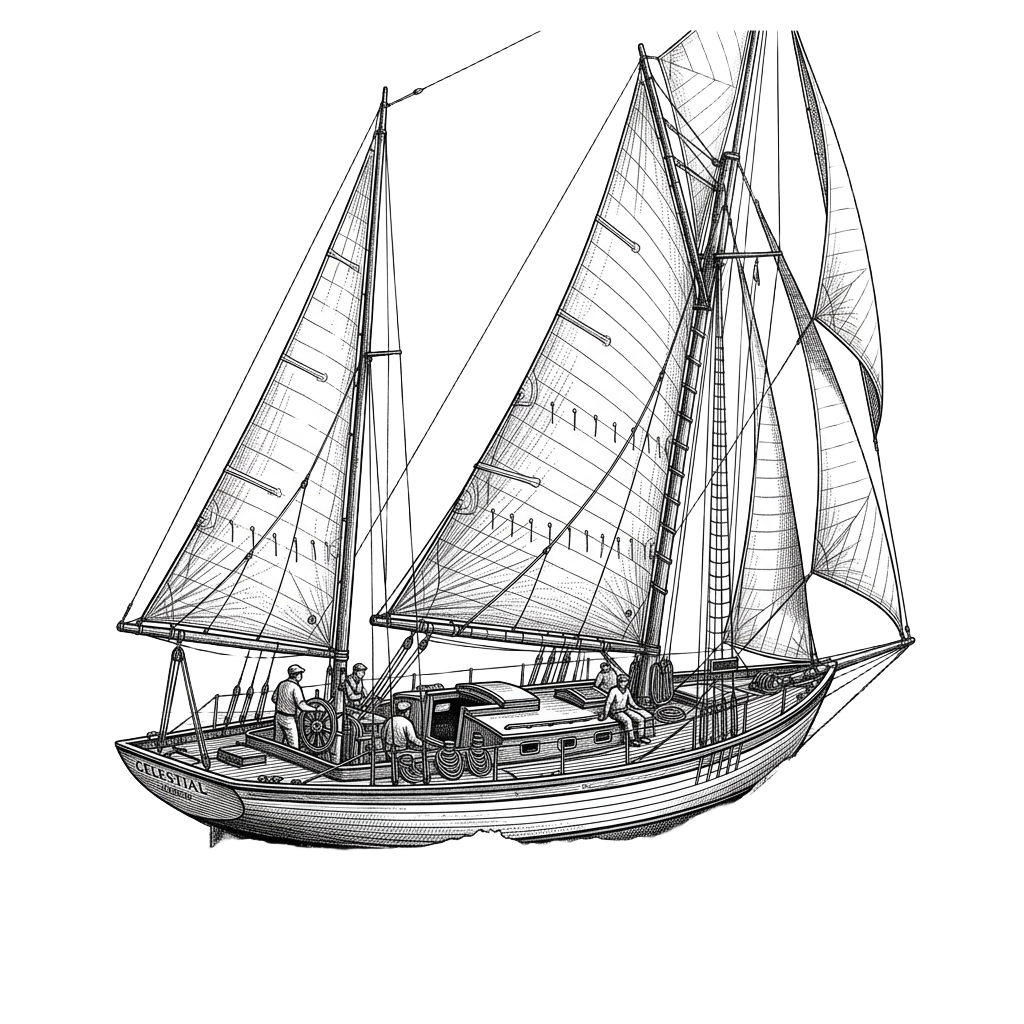
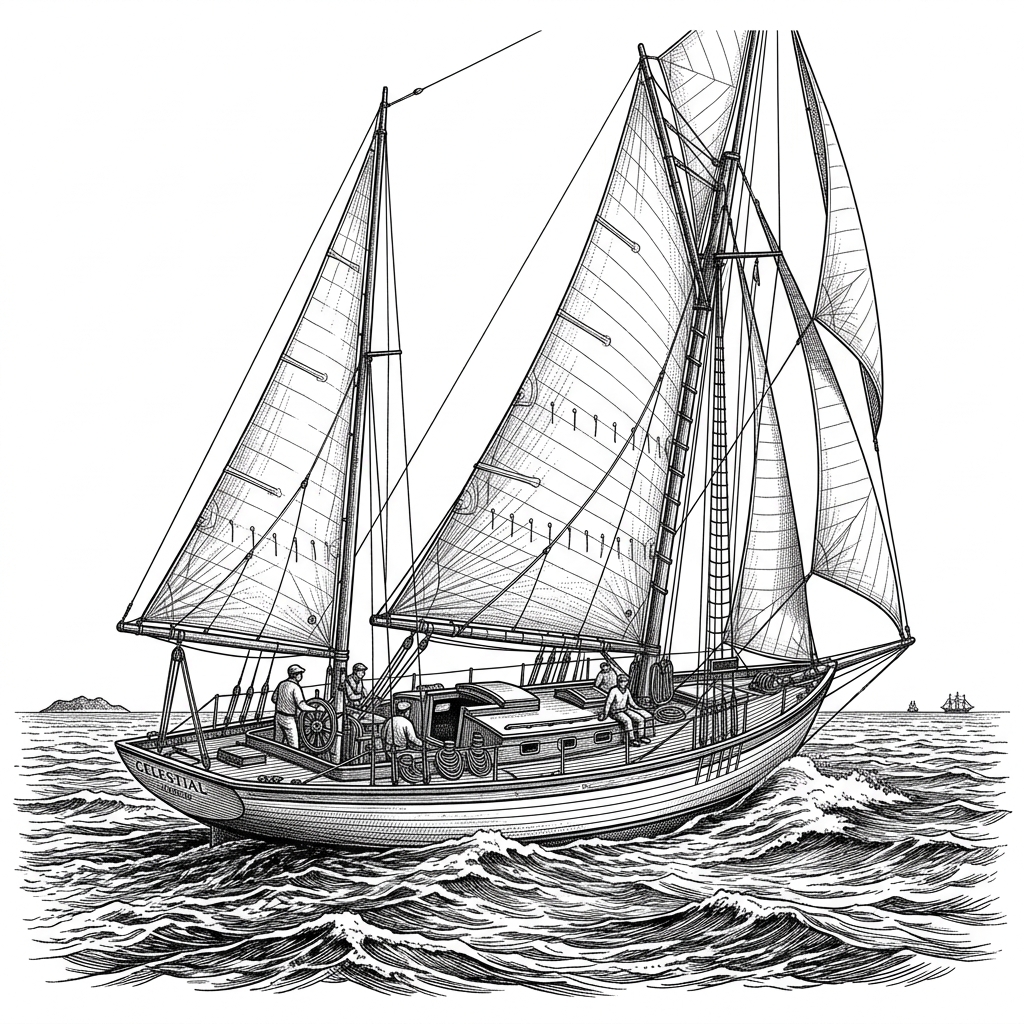
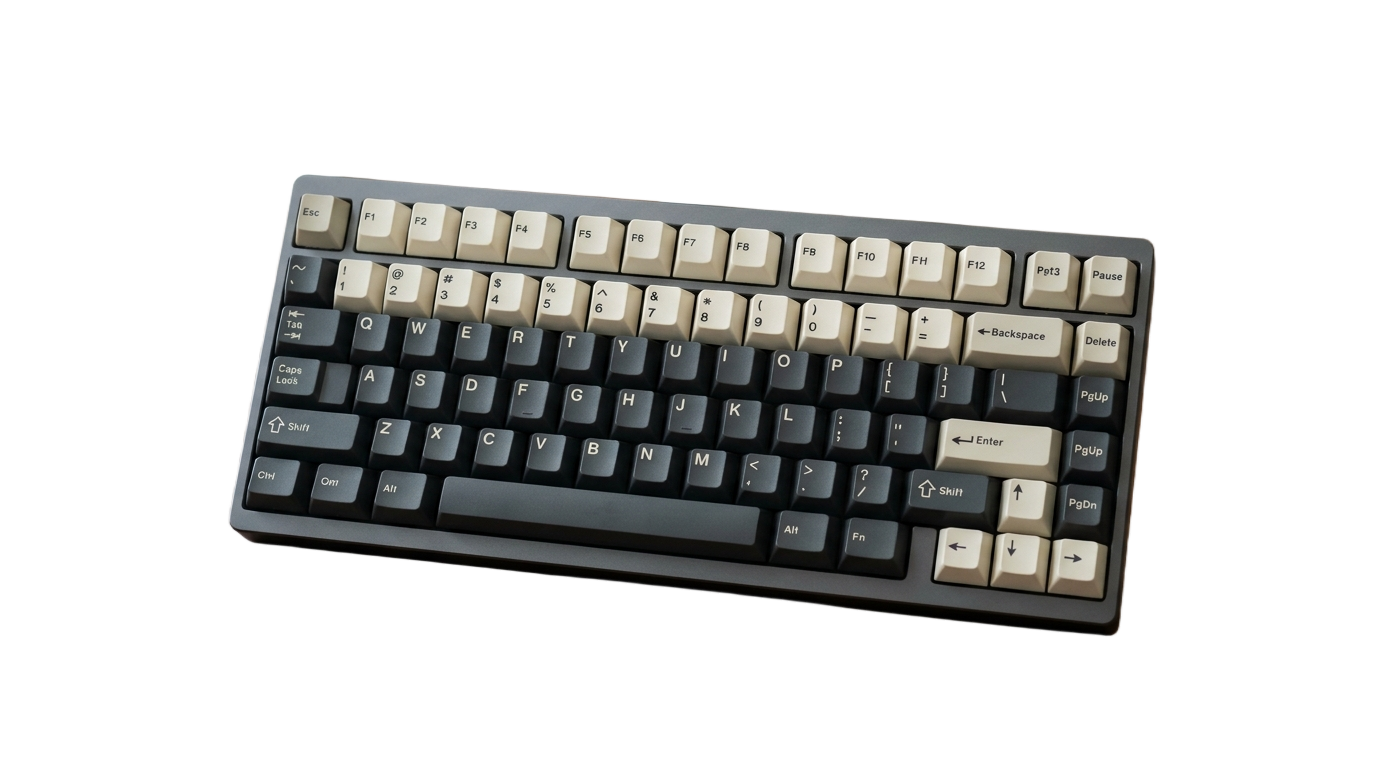
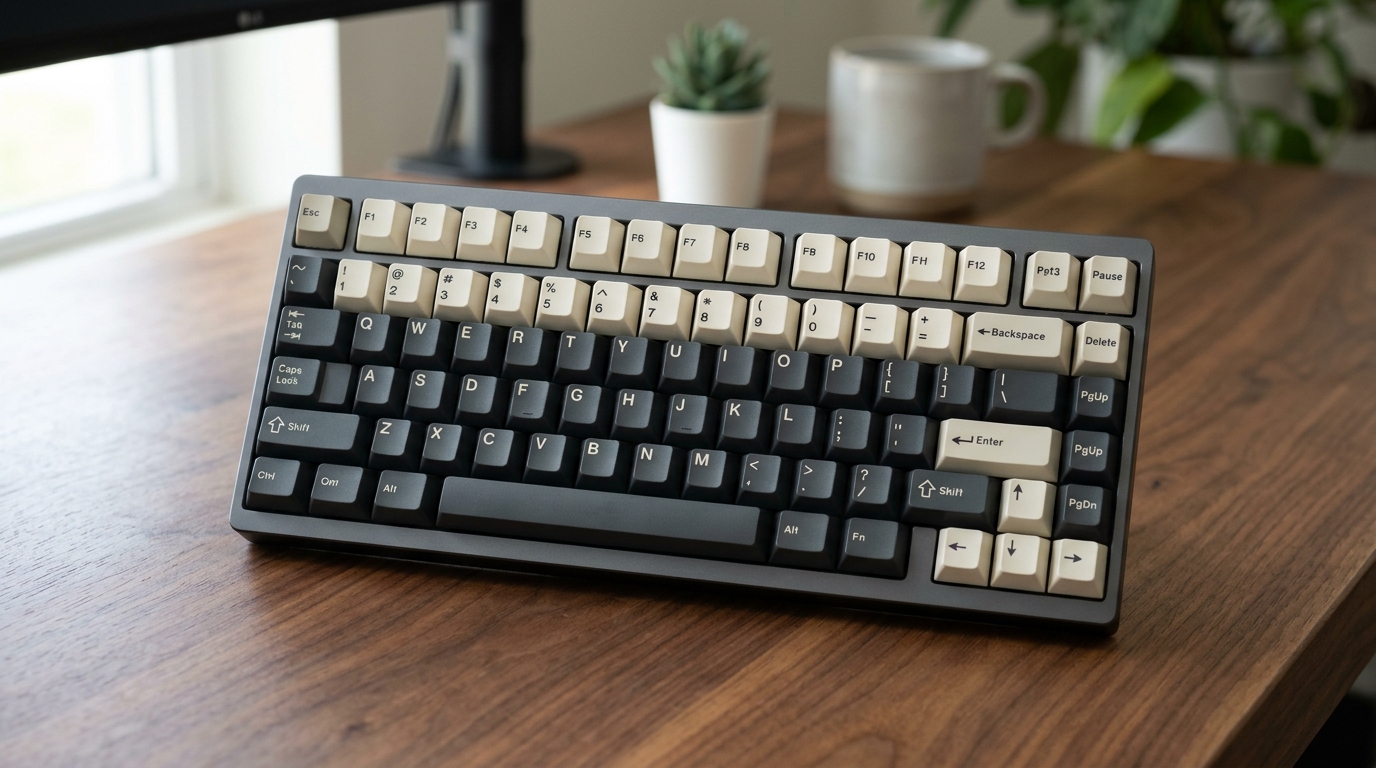
Before / After
or drop a file, paste an image or browse
Supports PNG, JPG, and WEBP up to 25MB
By uploading an image you agree to our Terms of Service & Privacy Policy.
Pre-Configured Output Specs
HEIC to Transparent PNG Pipeline Specs
Zero Intermediate JPEG Compression Loss
Converting HEIC to a lossy JPEG before removing the background introduces 8×8 block artifacts around hair and product edges. DropBG decodes directly to uncompressed RGB before AI matting.
Automatic EXIF Rotation Normalization
iPhone vertical portraits store rotation in EXIF metadata, which causes many web tools to output sideways cutouts. DropBG normalizes orientation automatically.
Universal Compatibility Across Windows, Web & Marketplaces
While Windows apps, Shopify, and older editors often reject .HEIC files, the exported 32-bit .PNG works in every browser, design tool, and store.
How to Convert HEIC to a Transparent PNG
Three simple steps. No design skills needed.
Drop your .HEIC or .HEIF file above
Select an iPhone photo directly from your Mac, PC, or iOS Files / Photo Library.
AI decodes HEIC & isolates the subject
DropBG decodes the HEIF container and removes the background in a single pass.
Download your universal .PNG cutout
Click Download HD Image to save a standard 32-bit transparent .PNG file.
Frequently Asked Questions
Sample Code
Purpose-Built Background Tools
Pre-configured studio presets for e-commerce marketplaces, tricky subjects, and direct format conversions.
E-Commerce & Social Platform Presets
Pre-configured background tools tailored to marketplace & creator compliance specs.
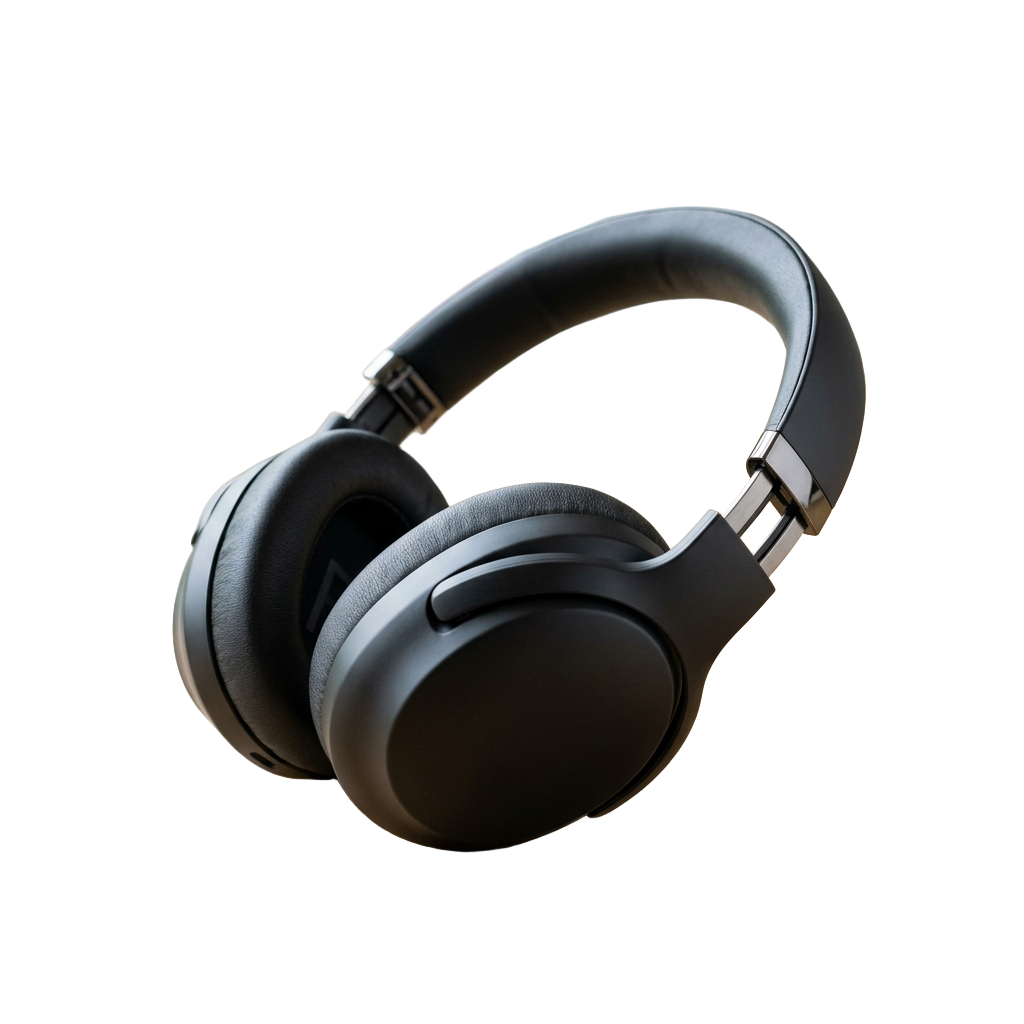
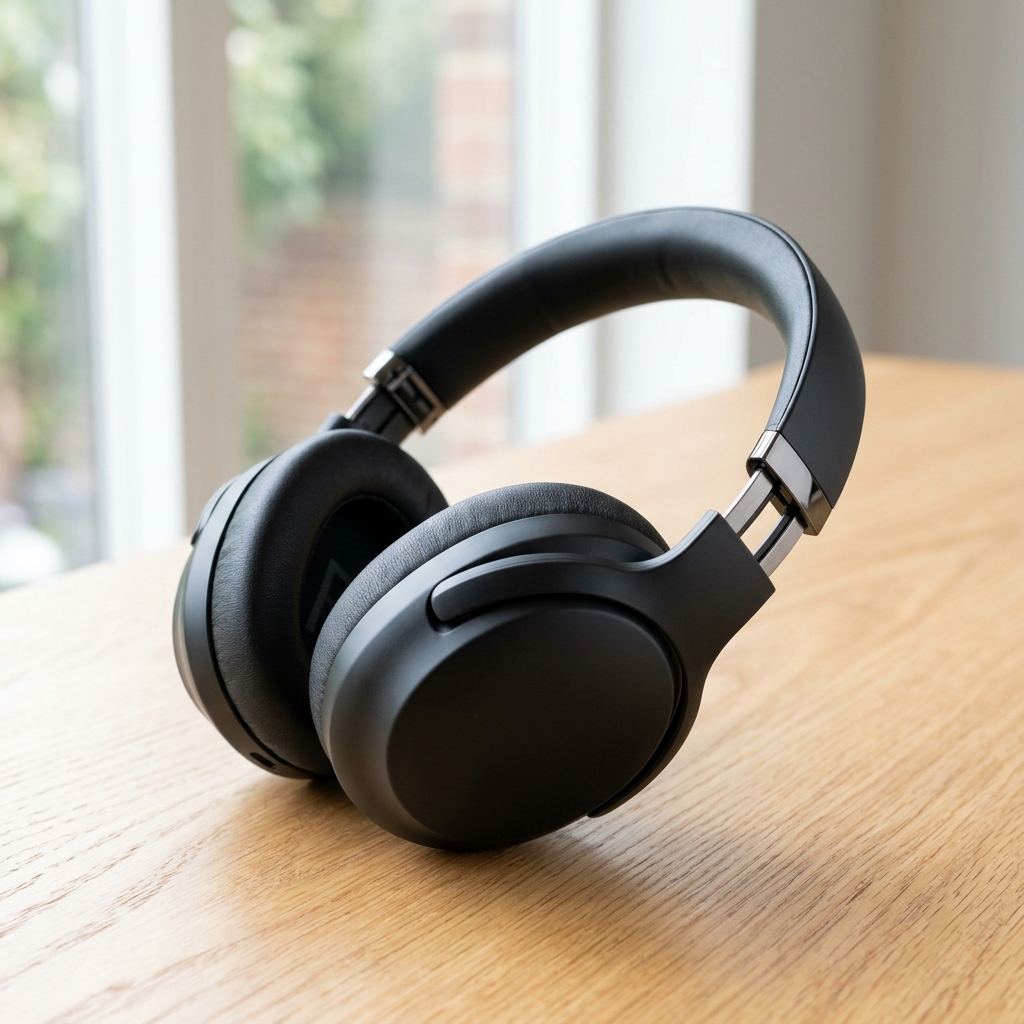





Subject-Specific AI Cutout Tools
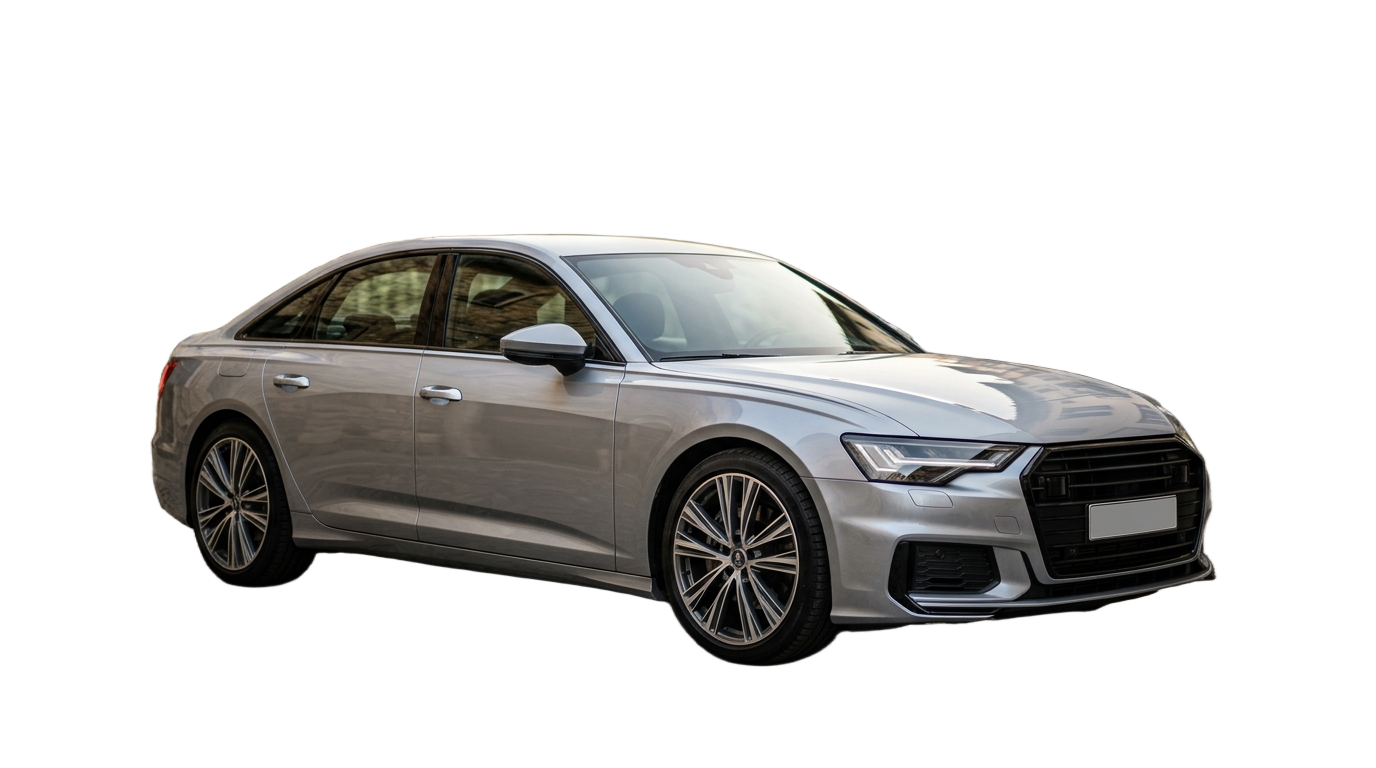
Specialized edge-handling for vehicles, handwritten ink signatures, and vector-sharp logos.









Format Conversion & Transparency Matrix
Convert Apple HEIC and WebP assets directly into lossless 32-bit transparent PNGs.
HEIC to Transparent PNG Converter
Preset: .HEIC / .HEIF → 32-bit Transparent .PNG