WebP Background Remover
Remove backgrounds from WebP files & export transparent PNGs
Downloaded an image from a website that saved as a .webp file? Drop your WebP image directly into DropBG to strip its background and simultaneously convert it into a universally editable 32-bit transparent PNG.
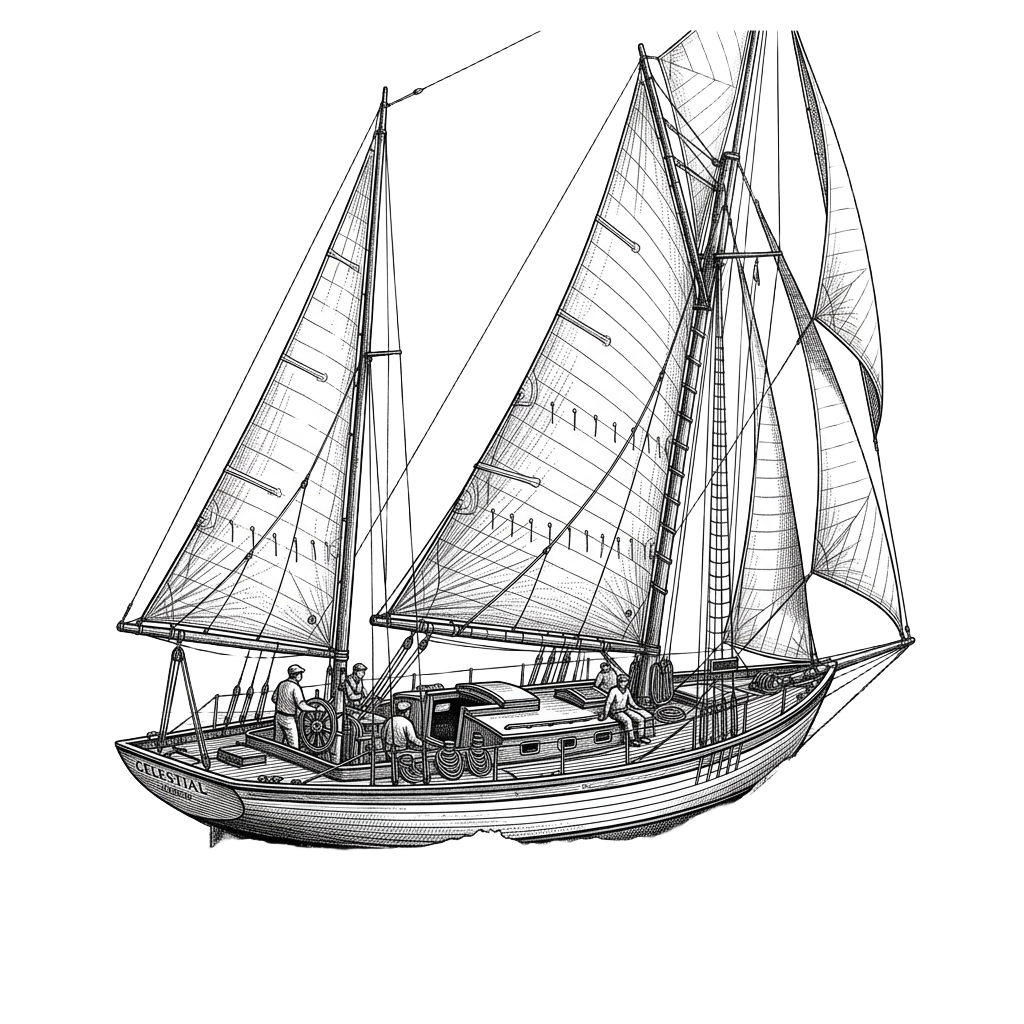
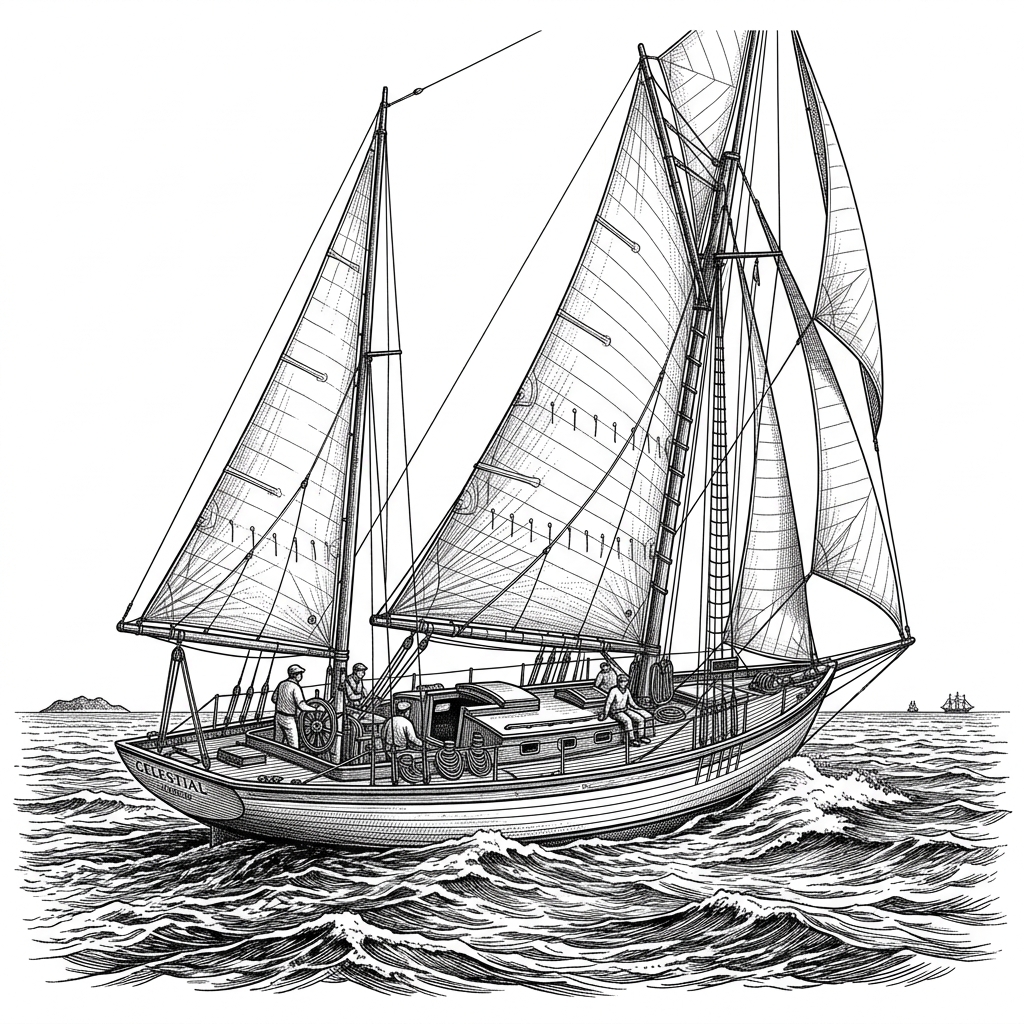
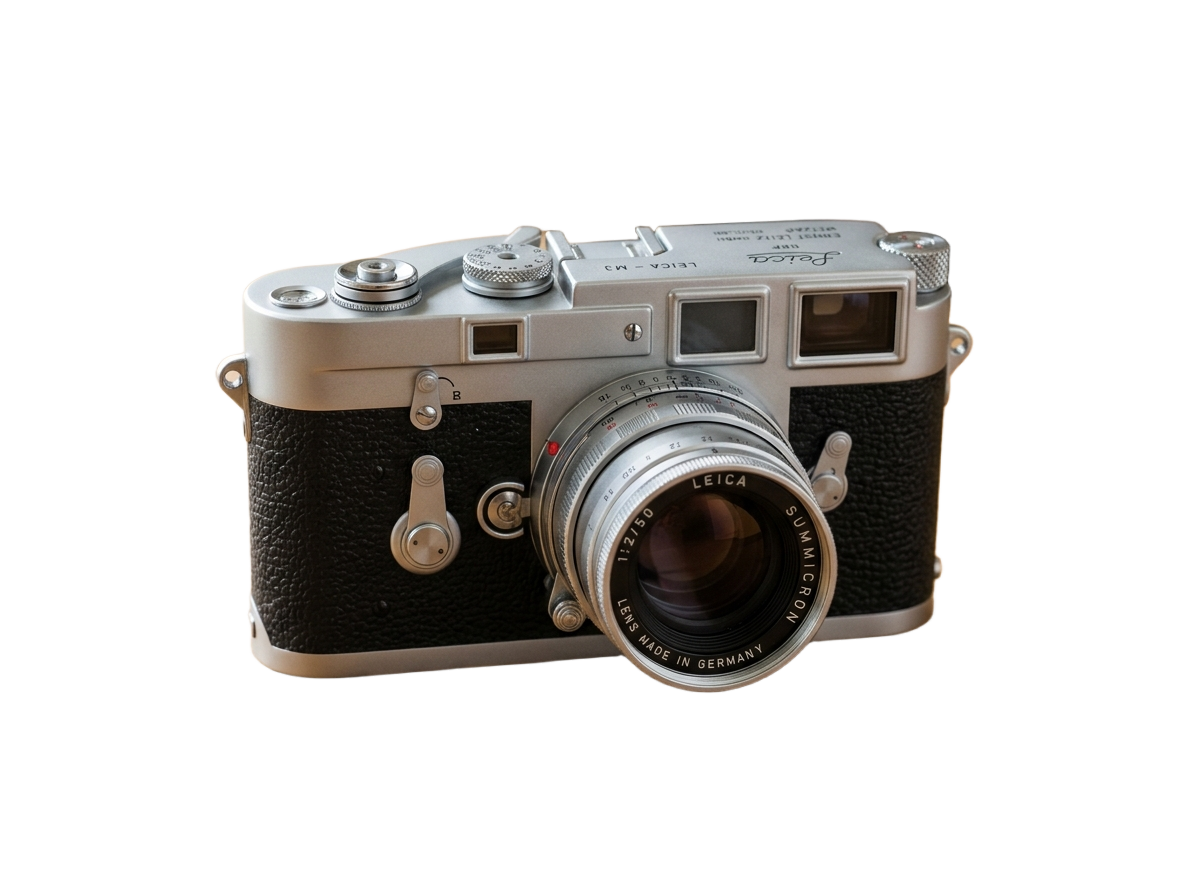
Before / After
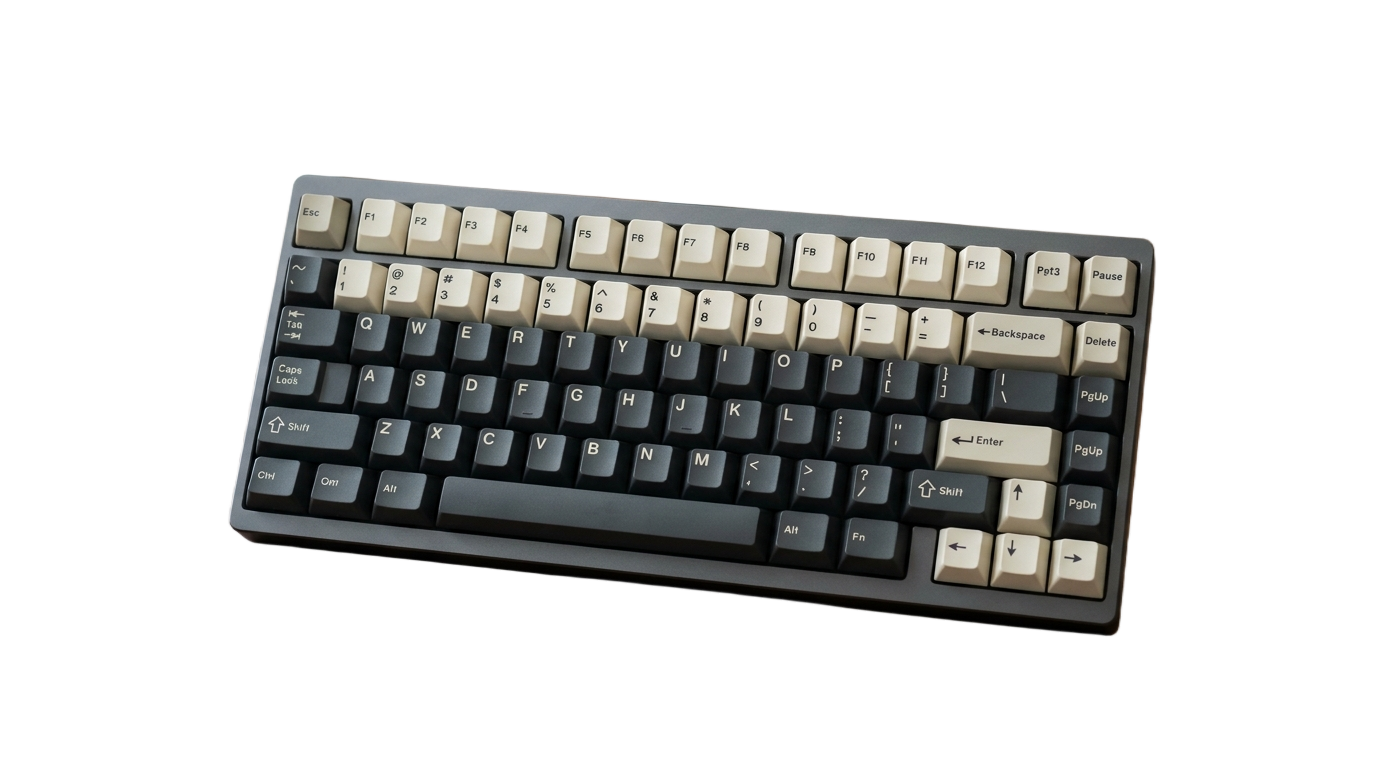
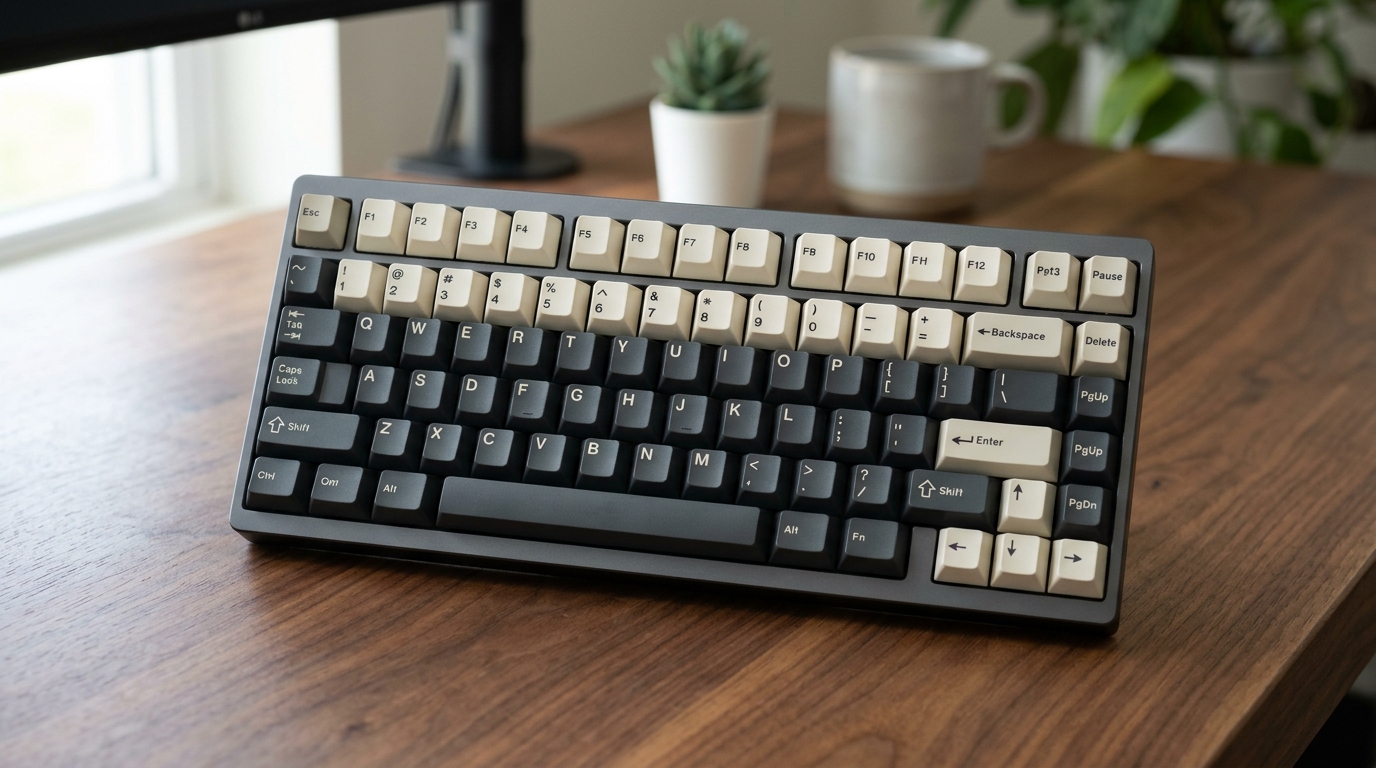
or drop a file, paste an image or browse
Supports PNG, JPG, and WEBP up to 25MB
By uploading an image you agree to our Terms of Service & Privacy Policy.
Pre-Configured Output Specs
WebP Processing & Conversion Specs
Simultaneous Background Removal + PNG Conversion
Upload any `.webp` product photo, portrait, or graphic and receive a clean `.png` with full alpha transparency ready for older versions of Photoshop, Office, or print tools.
Copy & Paste Directly from Any Webpage
Don’t even bother saving the `.webp` file to your downloads folder: right-click "Copy image" on any website and press Ctrl+V (or Cmd+V) right here.
Clean Compression Artifacts Along Edges
WebP images from e-commerce sites often have chroma compression around edges. Our defringing pass cleans up boundary pixels automatically.
How to Remove the Background from a WebP Image
Three simple steps. No design skills needed.
Drop your .webp file or press Ctrl+V
Drag your `.webp` file into the dropzone above or paste an image copied from the web.
Inspect the transparent cutout
Preview the isolated subject in the interactive slider or choose a custom background color.
Download as a transparent .PNG
Click Download HD Image to save your cutout as a standard `.png` (or `.jpg` in color mode).
Frequently Asked Questions
Sample Code
Purpose-Built Background Tools
Pre-configured studio presets for e-commerce marketplaces, tricky subjects, and direct format conversions.
E-Commerce & Social Platform Presets
Pre-configured background tools tailored to marketplace & creator compliance specs.









Subject-Specific AI Cutout Tools
Specialized edge-handling for vehicles, handwritten ink signatures, and vector-sharp logos.












Format Conversion & Transparency Matrix
Convert Apple HEIC and WebP assets directly into lossless 32-bit transparent PNGs.
WebP Background Remover
Preset: .WebP Input → 32-bit Transparent .PNG